Change the cell name in GDS file
When exporting GDS file, the name of the cell will be set default by the class name of the cell. For instance, in the Straight component, we define class Straight and by library += Straight() and fp.export_gds(library) method we can get a GDS file with a Straight cell.
class Straight(fp.IWaveguideLike, fp.PCell):
...

if __name__ == "__main__":
   from gpdk.util.path import local_output_file

   gds_file = local_output_file(__file__).with_suffix(".gds")
   library = fp.Library()

   TECH = get_technology()

   library += Straight()
   fp.export_gds(library, file=gds_file)
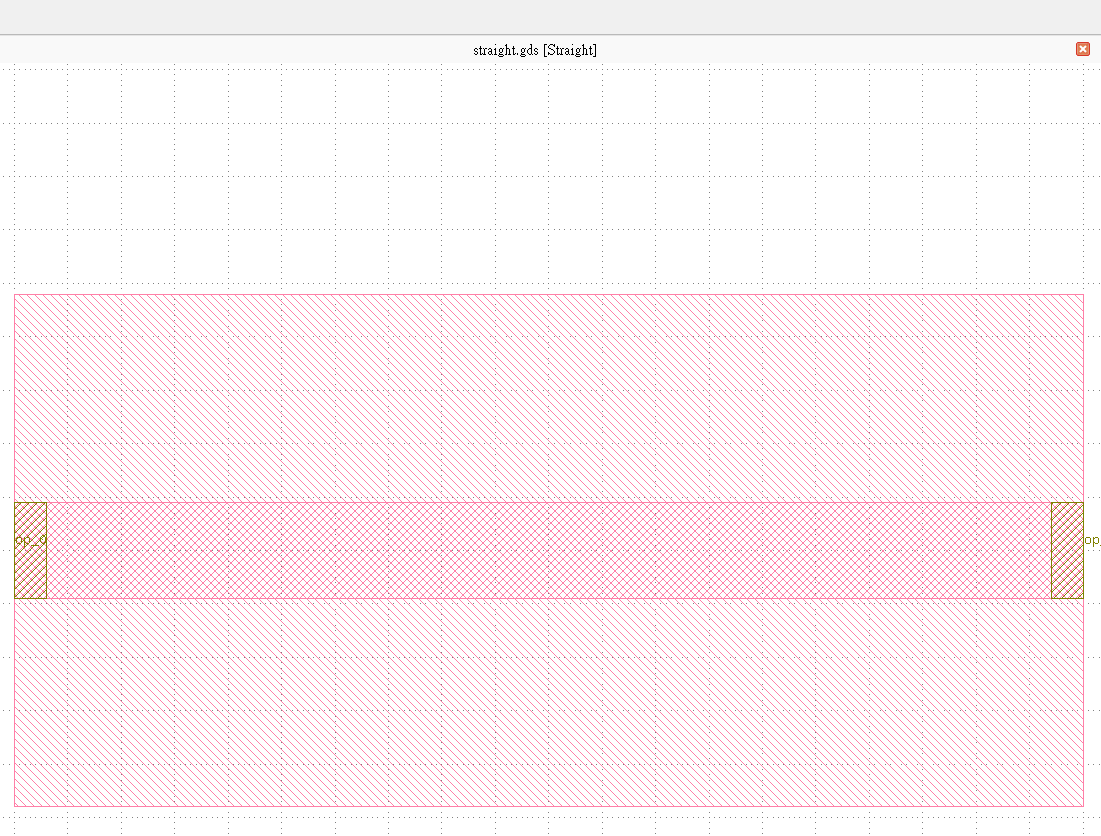
To change the name of the cell, the simplest way is to add .with_name("{your_name") after adding class to fp.Library.
class Straight(fp.IWaveguideLike, fp.PCell):
...

if __name__ == "__main__":
   from gpdk.util.path import local_output_file

   gds_file = local_output_file(__file__).with_suffix(".gds")
   library = fp.Library()

   TECH = get_technology()

   library += Straight().with_name("test_name")
   fp.export_gds(library, file=gds_file)
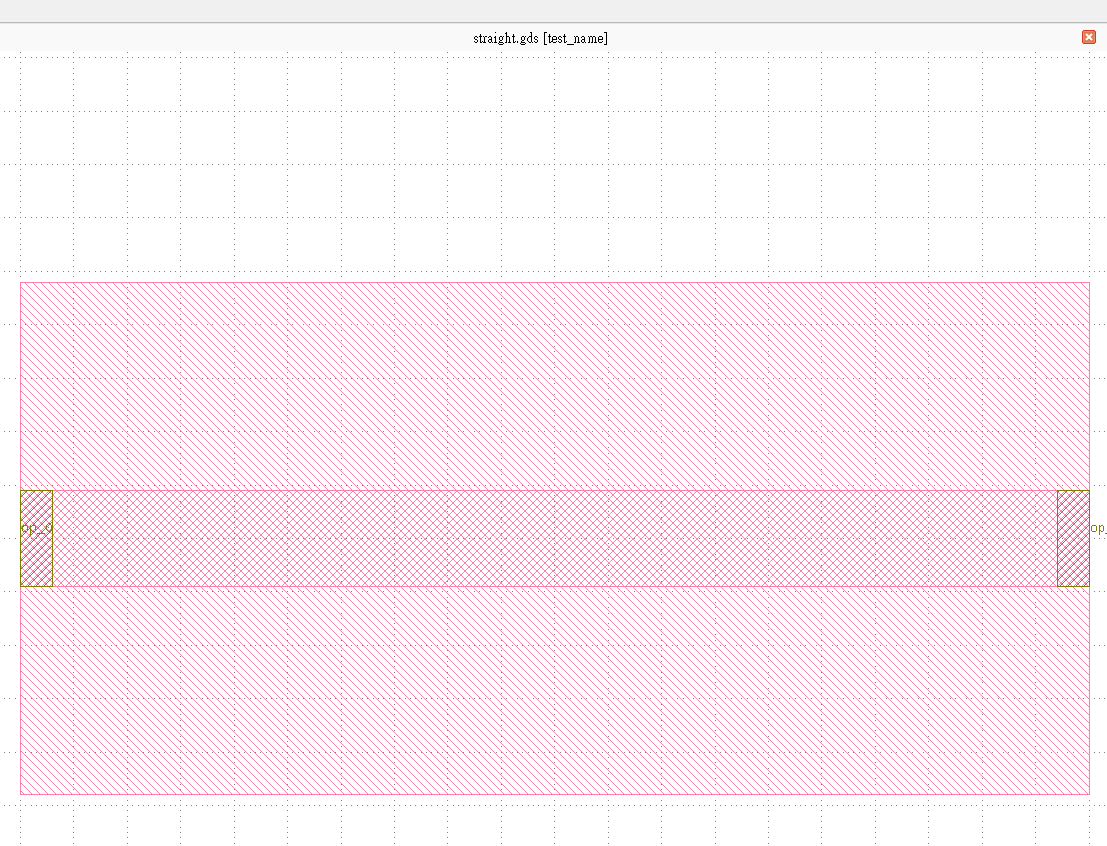
Cell naming rules
Besides changing the cell name from .with_name("{your_name") function, here we provide some advanced methods to implement the cell name as one of the parameters in the PCell.
Cell name with default name prefix
The first method doesn’t add any
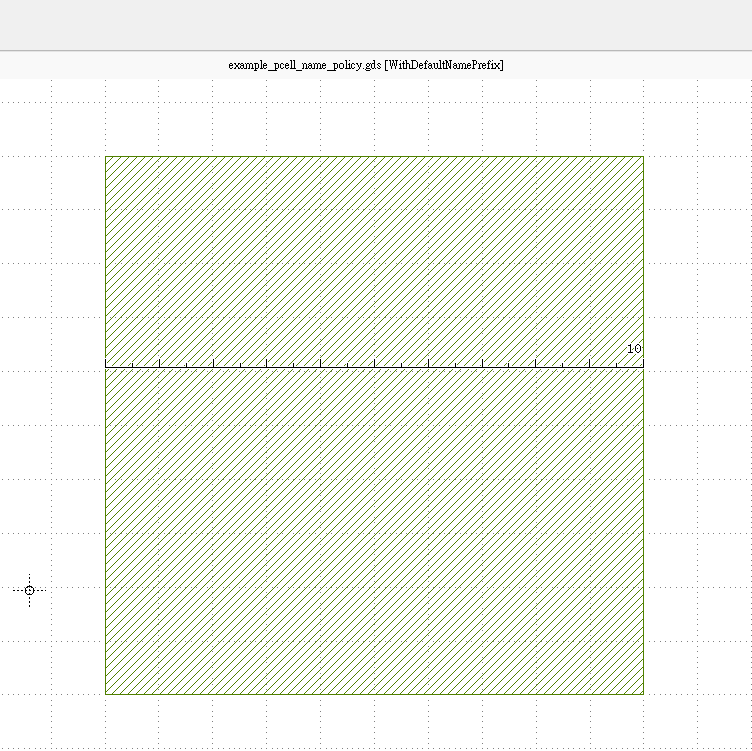
nameparameter to the PCell, however,fp.PCellhas already a built-in parameternameso it can also be used since the PCellWithDefaultNamePrefixis inherited fromfp.PCell.library += WithDefaultNamePrefix(size=10): The cell name will use the class name as prefix.cell name : WithDefaultNamePrefix
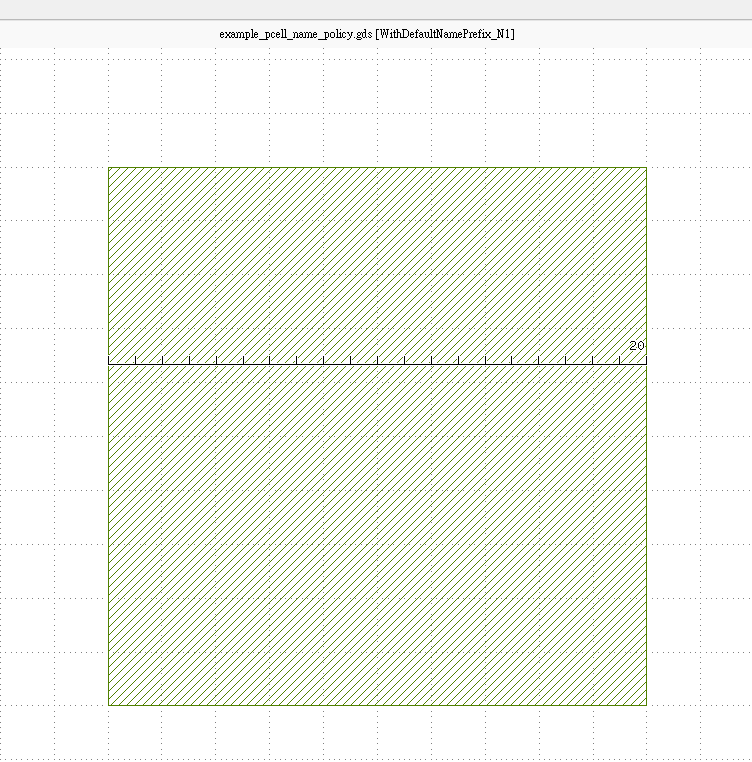
library += WithDefaultNamePrefix(name="N1", size=20):N1is added after the class name.cell name : WithDefaultNamePrefix_N1
library += WithDefaultNamePrefix(size=30).with_name("N1"):N1overwrite and used as the cell name.cell name : N1
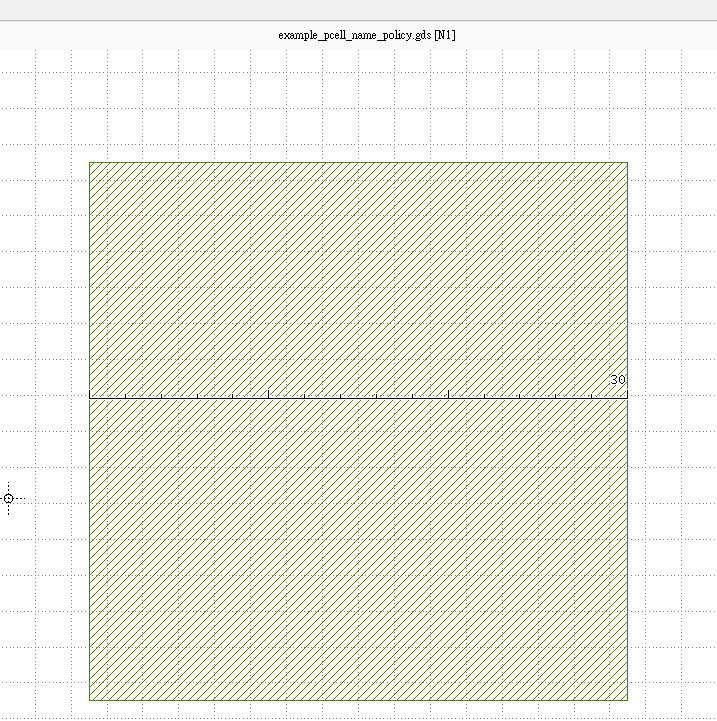
class WithDefaultNamePrefix(fp.PCell):
    size: float = fp.FloatParam()

    def build(self) -> Tuple[fp.InstanceSet, fp.ElementSet, fp.PortSet]:
        insts, elems, ports = super().build()
        TECH = get_technology()
        elems += fp.el.Rect(center=(0, 0), width=self.size, height=self.size, layer=TECH.LAYER.M1_DRW)
        return insts, elems, ports

# gds cell name: WithDefaultNamePrefix, using class name as prefix
library += WithDefaultNamePrefix(size=10)
# gds cell name: WithDefaultNamePrefix_N1, using class name as prefix
library += WithDefaultNamePrefix(name="N1", size=20)
# gds cell name: N1, force to use "N1" as cell name
library += WithDefaultNamePrefix(size=30).with_name("N1")
Cell name with blank name prefix
The second method is defining a name parameter
fp.NameParamand setting the prefix to a blank name. This allow users to export the cell name without theclassname prefix when usingnameparameter of the PCell (It overrides thenameparameter infp.PCell).library += WithBlankNamePrefix(size=40): The cell name will use the class name as prefix.cell name : WithBlankNamePrefix
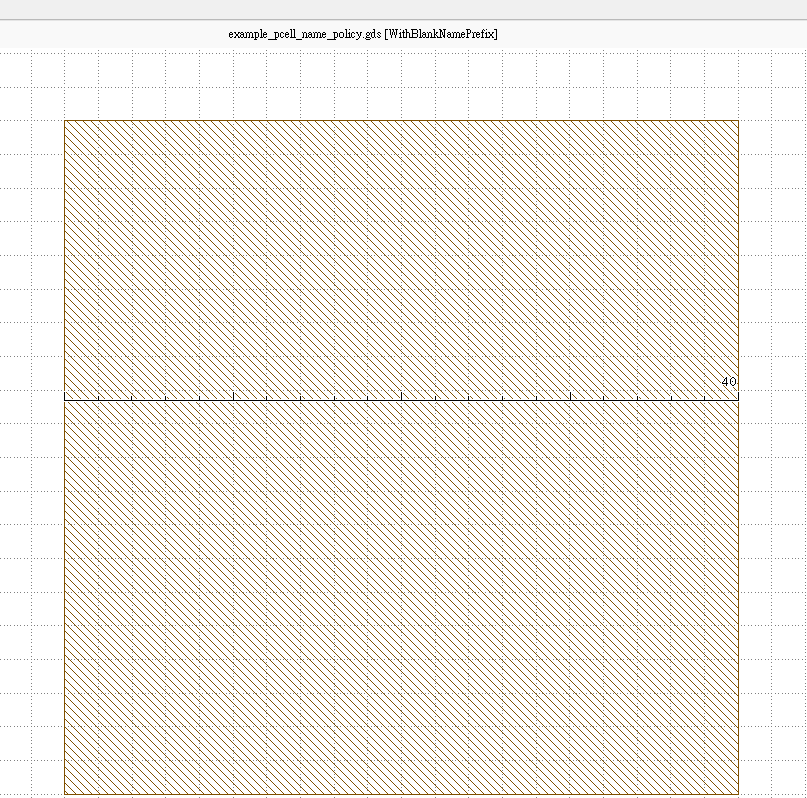
library += WithBlankNamePrefix(name="N1", size=50):N1will be the cell name with the class name as prefix.cell name : N1
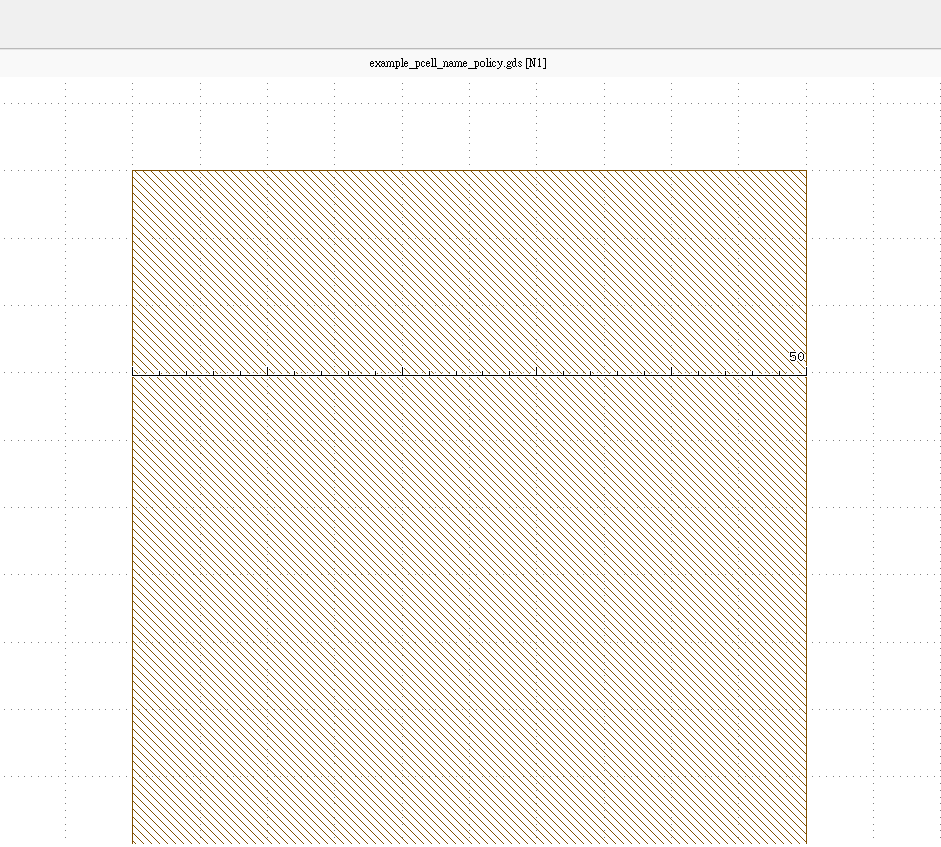
library += WithBlankNamePrefix(size=60).with_name("N1"):N1overwrite and used as the cell name.cell name : N1
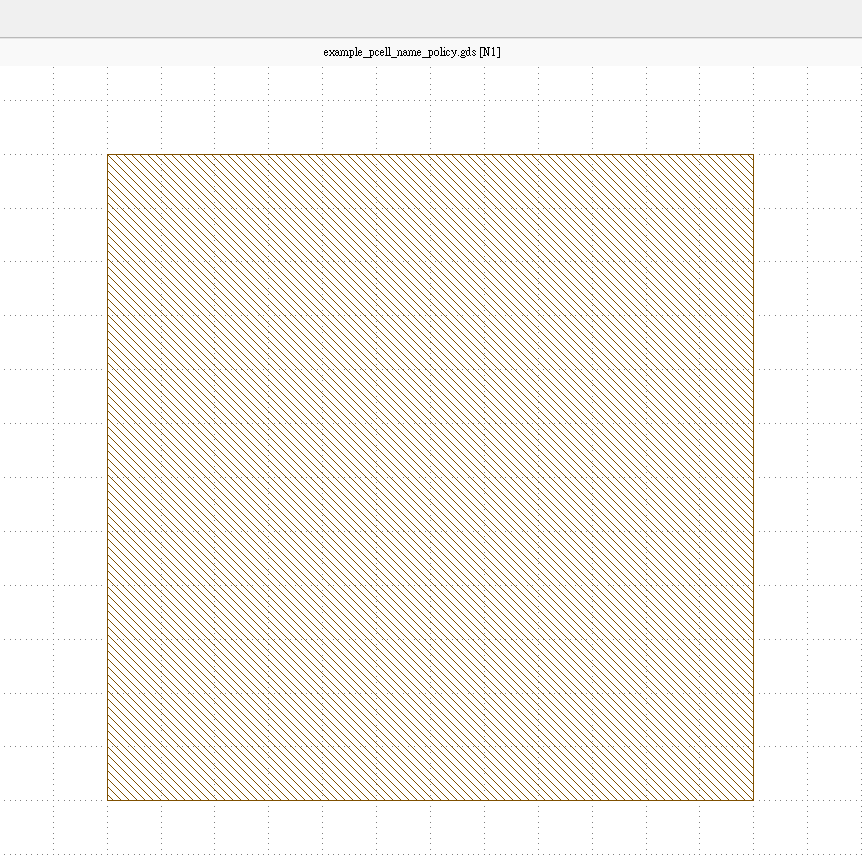
class WithBlankNamePrefix(fp.PCell):
    name: str = fp.NameParam(prefix="")
    size: float = fp.FloatParam()

    def build(self) -> Tuple[fp.InstanceSet, fp.ElementSet, fp.PortSet]:
        insts, elems, ports = super().build()
        TECH = get_technology()
        elems += fp.el.Rect(center=(0, 0), width=self.size, height=self.size, layer=TECH.LAYER.M2_DRW)
        return insts, elems, ports

# gds cell name: WithBlankNamePrefix
library += WithBlankNamePrefix(size=40)
# gds cell name: N1, no prefix
library += WithBlankNamePrefix(name="N1", size=50)
# gds cell name: N1, force to use "N1" as cell name
library += WithBlankNamePrefix(size=60).with_name("N1")`
Cell name with custom name prefix
The third method is defining a name parameter
fp.NameParamand setting the prefix to a custom namecustom. This allow users to export the cell name without theclassname prefix when usingnameparameter of the PCell (It overrides thenameparameter infp.PCell) and set the default cell name as they wish.library += WithCustomNamePrefix(size=70): The cell name will be the name set in thenameparameter.cell name : custom
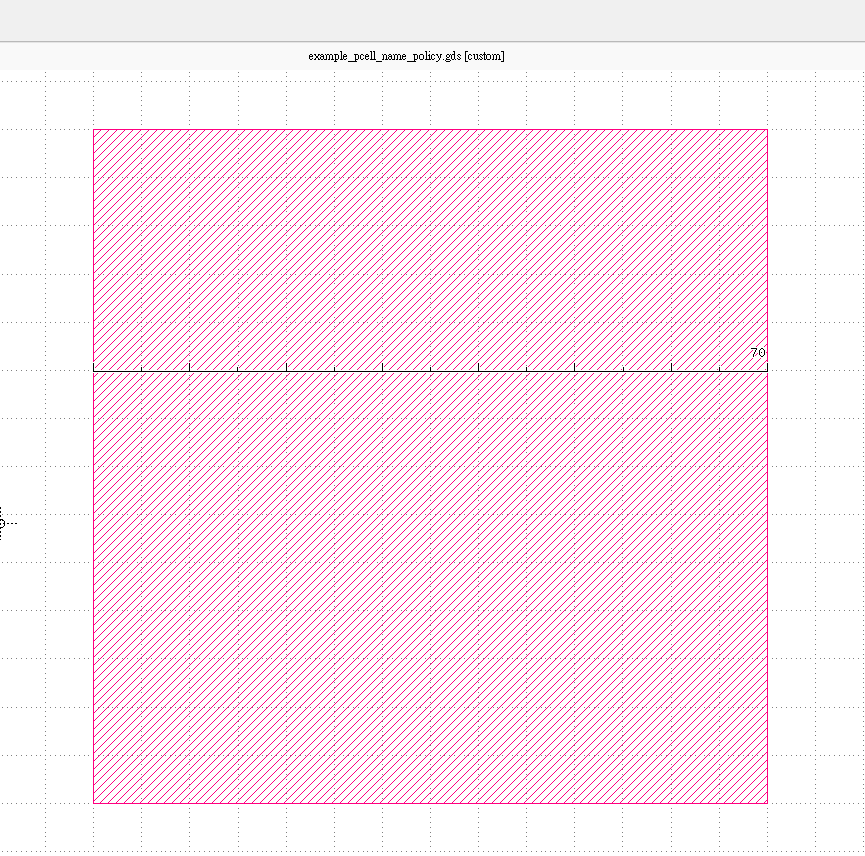
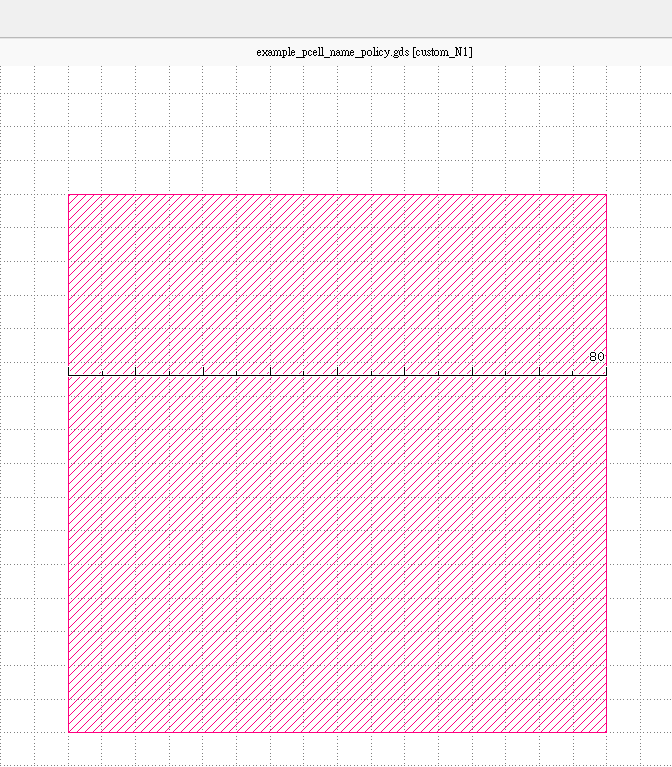
llibrary += WithCustomNamePrefix(name="N1", size=80):N1will be added after the cell namecustom.cell name : custom_N1
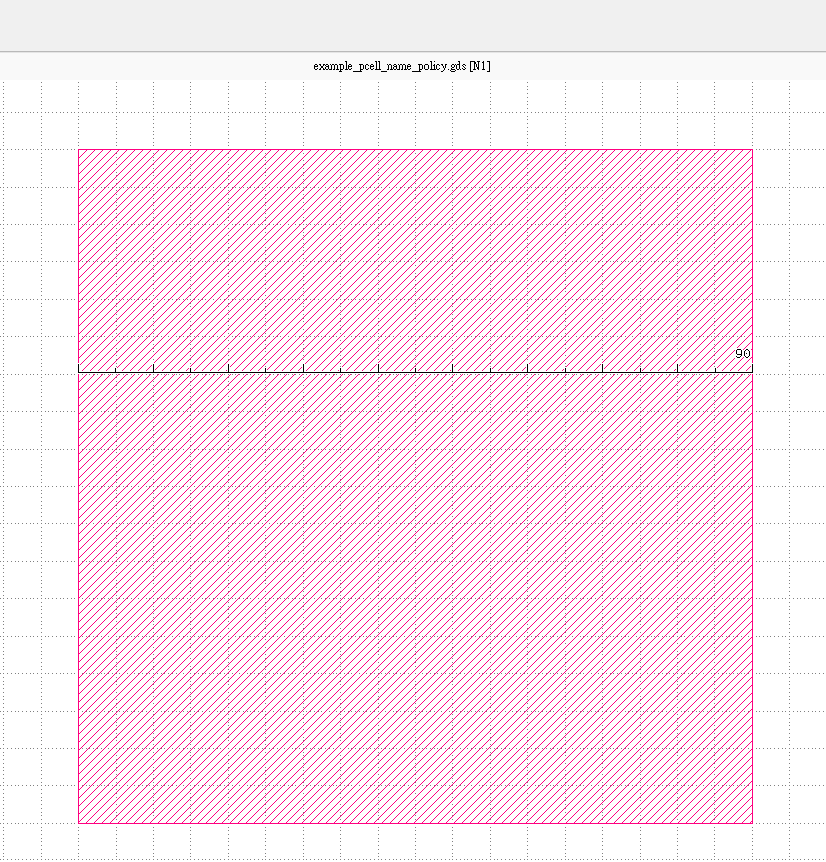
library += WithCustomNamePrefix(size=90).with_name("N1"):N1overwrite and used as the cell name.cell name : N1
class WithCustomNamePrefix(fp.PCell):
    name: str = fp.NameParam(prefix="custom")
    size: float = fp.FloatParam()

    def build(self) -> Tuple[fp.InstanceSet, fp.ElementSet, fp.PortSet]:
        insts, elems, ports = super().build()
        TECH = get_technology()
        elems += fp.el.Rect(center=(0, 0), width=self.size, height=self.size, layer=TECH.LAYER.MT_DRW)
        return insts, elems, ports

# gds cell name: custom
library += WithCustomNamePrefix(size=70)
# gds cell name: custom_N1
library += WithCustomNamePrefix(name="N1", size=80)
# gds cell name: N1
library += WithCustomNamePrefix(size=90).with_name("N1")